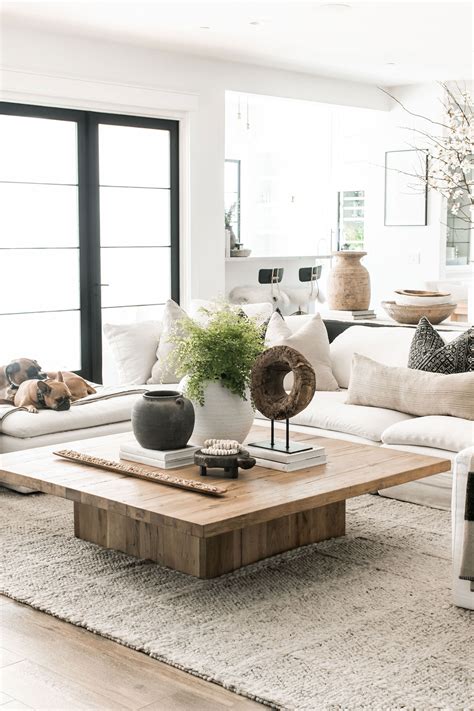
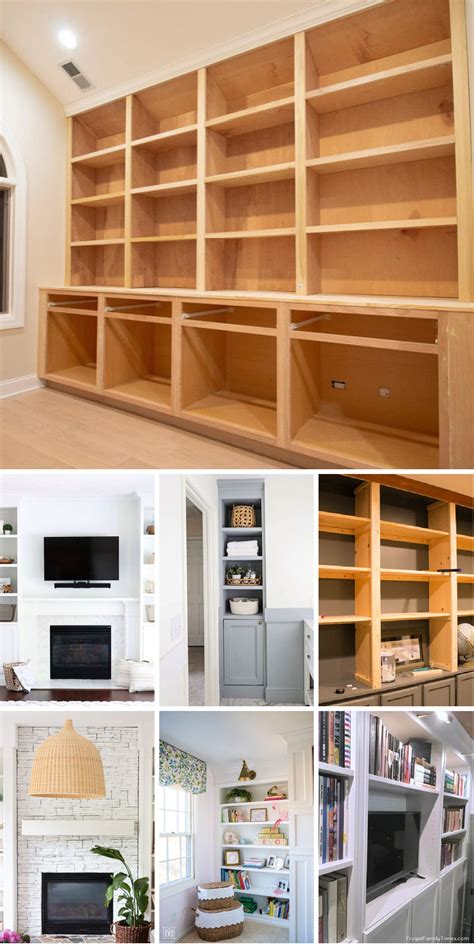
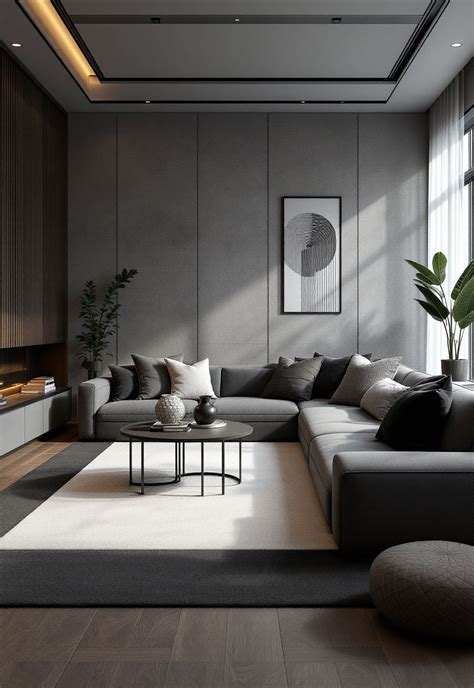
Embarking on a home decor journey often begins with a vague vision that requires clarity, organization, and reliable resources. Whether you have just purchased a suburban property or moved into an urban rental apartment, finding a cohesive design direction can feel overwhelming. Platforms like Houzz bridge the gap between abstract imagination and concrete execution by offering millions of professional photographs, interactive design tools, and a comprehensive directory of regional U.S. service providers. Understanding how to navigate and filter these digital resources ensures that your upcoming project matches your specific spatial autonomy, timeline, and financial parameters.
By tailoring your approach based on whether you own or rent your living space, you can extract maximum value from the platform. Homeowners might focus on permanent structural updates, built-in cabinetry, and architectural color schemes, while renters can pivot those same visual aesthetics toward peel-and-stick solutions, freestanding furniture, and modular textiles. Mastering the core features of the platform allows both groups to curate personalized design blueprints without wasting time on incompatible concepts.
Setting Up and Organizing Your Digital Idea Books
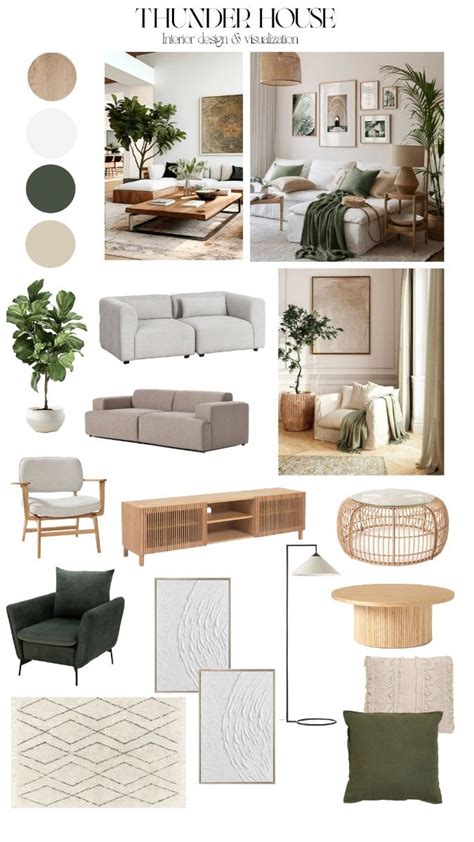
The foundation of any successful project on the platform starts with the strategic use of Houzz Idea Books. Instead of passively scrolling through endless photo feeds, successful users create categorized digital folders for specific rooms, color palettes, or individual furniture pieces. When you spot a living room layout or a kitchen backsplash that catches your eye, saving it into a targeted folder helps establish recurring design themes that define your personal style.
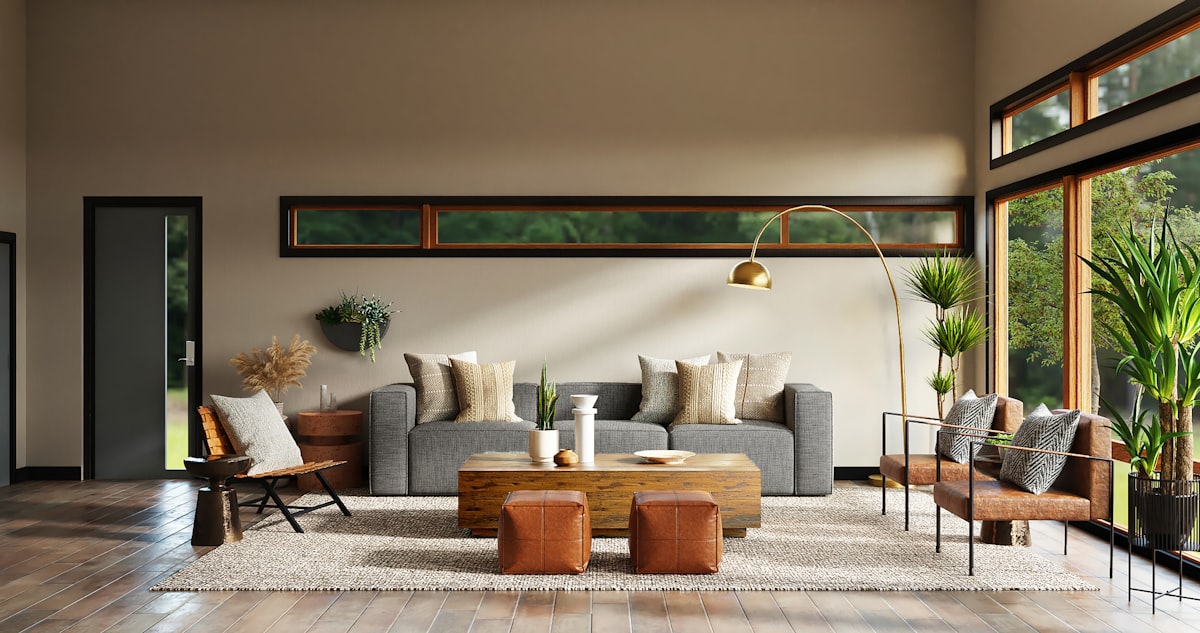
For U.S. homeowners, separate idea books can be dedicated to long-term structural renovations, exterior hardscaping, and permanent lighting upgrades. Conversely, renters benefit from establishing folders labeled with non-permanent constraints, such as renter-friendly lighting swaps, accent rugs, and modular storage units. Adding detailed notes to each saved photo within your idea books helps you remember why a particular image resonated with you, making it much easier to communicate your vision to partners, landlords, or hired professionals later in the process.
Leveraging Visual Match and 3D Planning Tools
Once you have gathered a solid collection of reference images, the next step is translating those visual ideas into your actual physical footprint. The platform features advanced technology like Visual Match, which allows users to click on specific items within a published photo—such as a pendant light or an area rug—and instantly locate similar products available for purchase. This tool eliminates the guesswork of trying to track down hard-to-find decor elements seen in professionally styled photographs.
Additionally, the 3D floor planner tool enables users to sketch out their room dimensions and test various furniture layouts before spending any money. Homeowners can experiment with knocking down walls on a digital canvas, while renters can accurately measure their apartment spaces to ensure a sectional sofa or bookshelf will fit comfortably around existing architectural quirks. Utilizing these digital simulations prevents costly ordering mistakes and provides a realistic preview of traffic flow and scale.
Finding and Vetting U.S. Professionals or Sourcing Decor
Navigating the execution phase requires deciding whether to tackle a project independently or hire specialized help. The platform hosts an extensive directory of U.S. interior designers, general contractors, and specialty artisans categorized by geographic zip code and verified customer reviews. Homeowners planning major room overhauls can review past project portfolios, licensing credentials, and direct homeowner feedback to vet local contractors safely and efficiently.
For renters and budget-conscious homeowners who prefer a DIY approach, the integrated marketplace offers a vast selection of decor items, textiles, and hardware that can be purchased directly through the site. When shopping online, always cross-reference dimensions and check shipping policies, as regional availability and freight delivery fees can vary significantly across different states and metropolitan areas within the United States.
Frequently Asked Questions
How do I use Houzz to start a home decor project from scratch?
Begin by exploring the photo search tool using specific keywords related to your preferred design aesthetic. Save inspiring images into dedicated Idea Books, then use the measurements and layout features to map out your room before purchasing any physical items.
Can renters use Houzz effectively for temporary decor?
Yes, renters can easily filter inspiration by searching for temporary or non-permanent design keywords. You can utilize Idea Books to track renter-friendly upgrades like peel-and-stick wallpaper, plug-in sconces, and modular furniture that moves with you.
How do I find local contractors or interior designers in the U.S. using Houzz?
Use the professional directory feature on the platform and input your specific U.S. zip code. You can filter results by profession, project budget, and verified client reviews to find trusted local experts in your area.